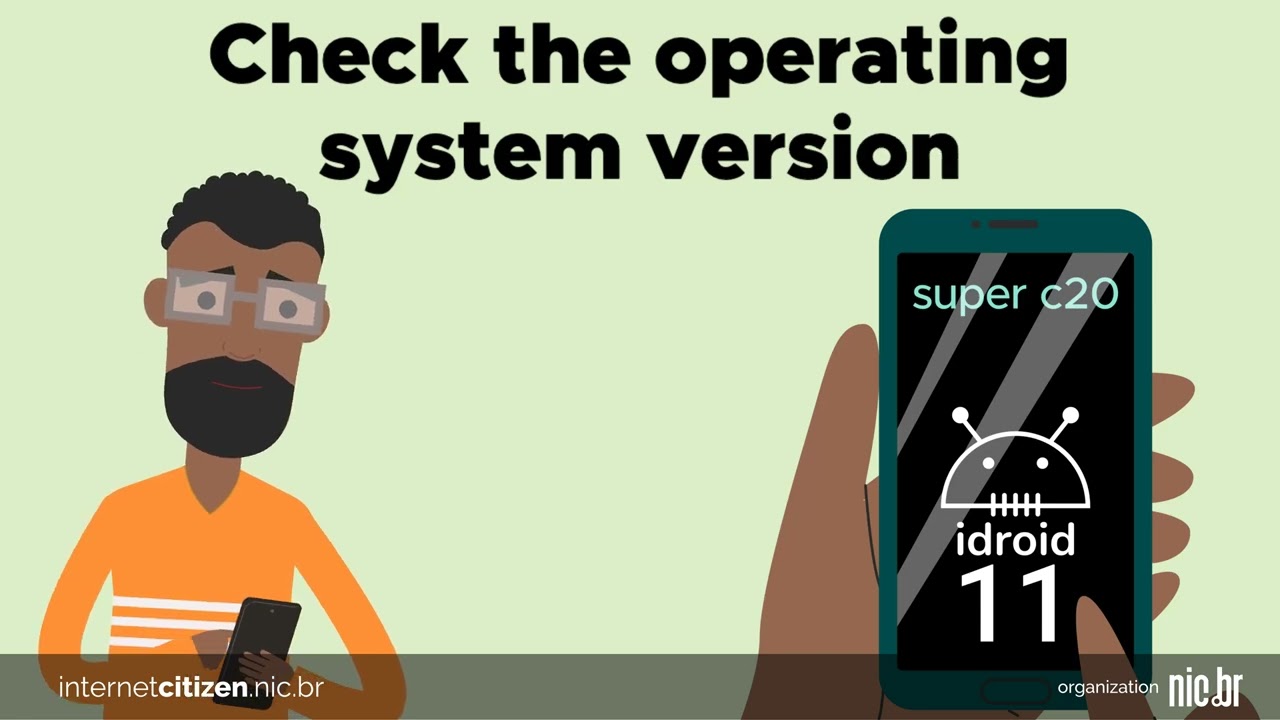
Thinking of buying a new phone? In addition to checking specifications like memory and storage, pay attention to the device's operating system version and find out for how long it will continue to receive updates. Different manufacturers have different policies regarding software support.
Operating system updates offer a series of benefits: they can include changes to the user interface, introduce new tools, security improvements, and privacy protections, among others. However, a lack of updates can leave your device vulnerable to bugs and security flaws that have already been fixed in newer versions of the system, putting your personal data at risk. Additionally, apps are usually optimized to work on the latest versions of the system, so if your device isn't updated, you may experience compatibility and performance issues.
Support for operating system updates depends on the device manufacturer. For iOS devices, Apple usually offers support for about six years from the device's release date. In the case of Android, each manufacturer can set their own support timeline and decide whether to provide updates for a particular model. Check the manufacturer's official website for more accurate information.
So, if you're planning to buy a new phone, it's essential to consider the operating system version and the device's update history. If the model you're interested in won't receive future updates, it might be better to choose a newer device that is still supported. That way, you'll have a secure device, compatible with modern apps and capable of keeping up with the latest trends in technology.
Description
In the first scene, a young man is checking out different phones on display. At the top of the screen, the phrase “Thinking of buying a new phone?” appears.
In the second scene, the man touches the screen of the phone he's interested in, and the phrase changes to “Check the operating system version”.
In the next scene, the phrase “and find out if the device will receive future system updates” appears at the top of the screen. The man searches online to see if new versions are available for his chosen device.
In the last scene, the man discovers that the phone won't receive future updates. At the top of the screen, the phrase “Avoid purchasing devices that won't receive updates!” appears.
LICENÇACC BY-ND
Companies and organizations interested in participating can become partners in this initiative, adding their logo to a customized version of the videos, which can be published on their website or on other channels. Send us an e-mail parceriacidadaonarede@nic.br to request the application of your company or entity's logo to our videos.